Safety for people living alone.
Alma alerts your emergency contacts if you don't check in at the planned time. Even if you can no longer call for help yourself.


Try it free for 14 days · Contacts don't need the app
Scan with your phone to get Alma
How it works
- 1
Check in regularly
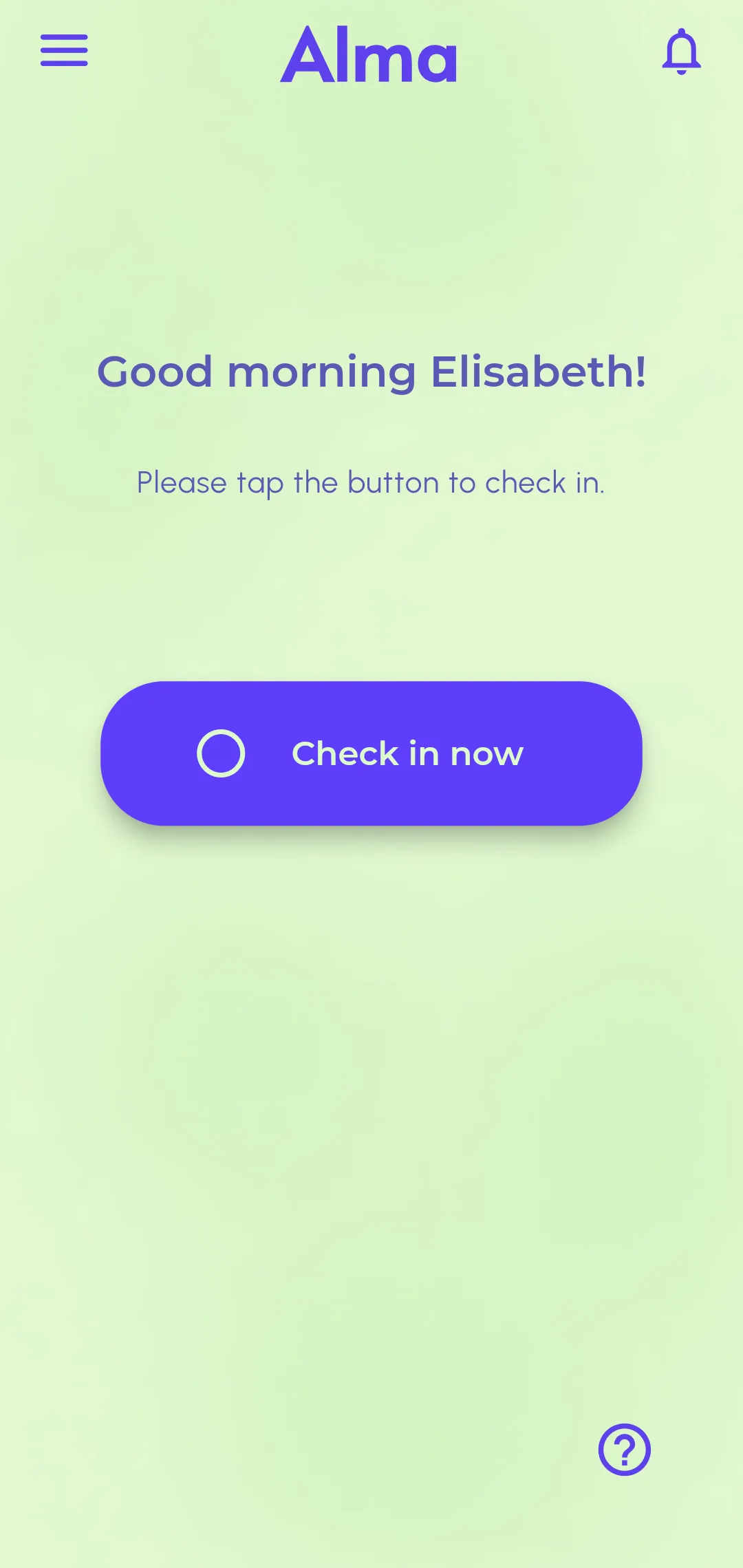
Set a schedule for when you want to check in: Alma reminds you in good time.
- 2
Didn't check in?
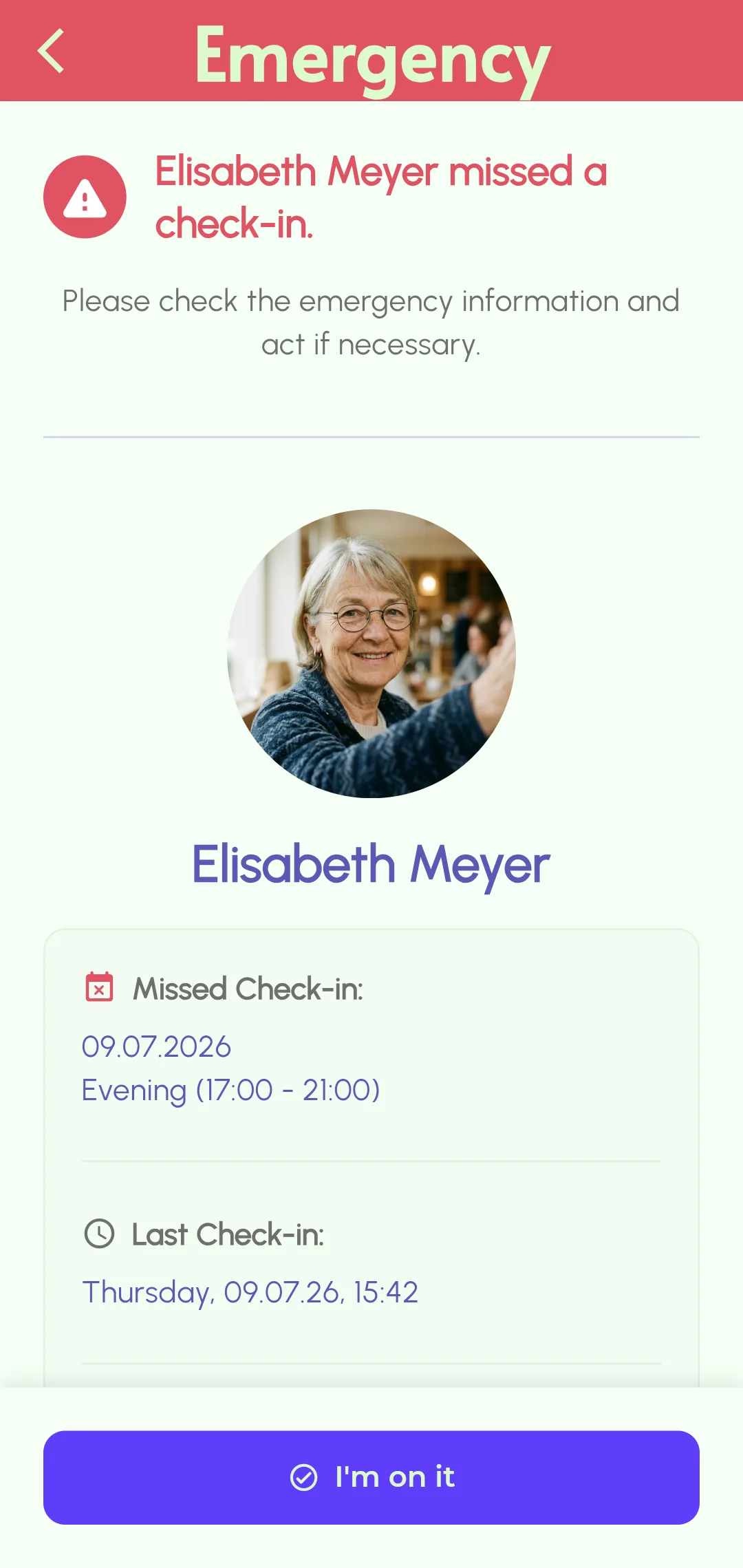
Then Alma lets your emergency contacts know, with your location and emergency info if you want.
- 3
Until someone takes care of it
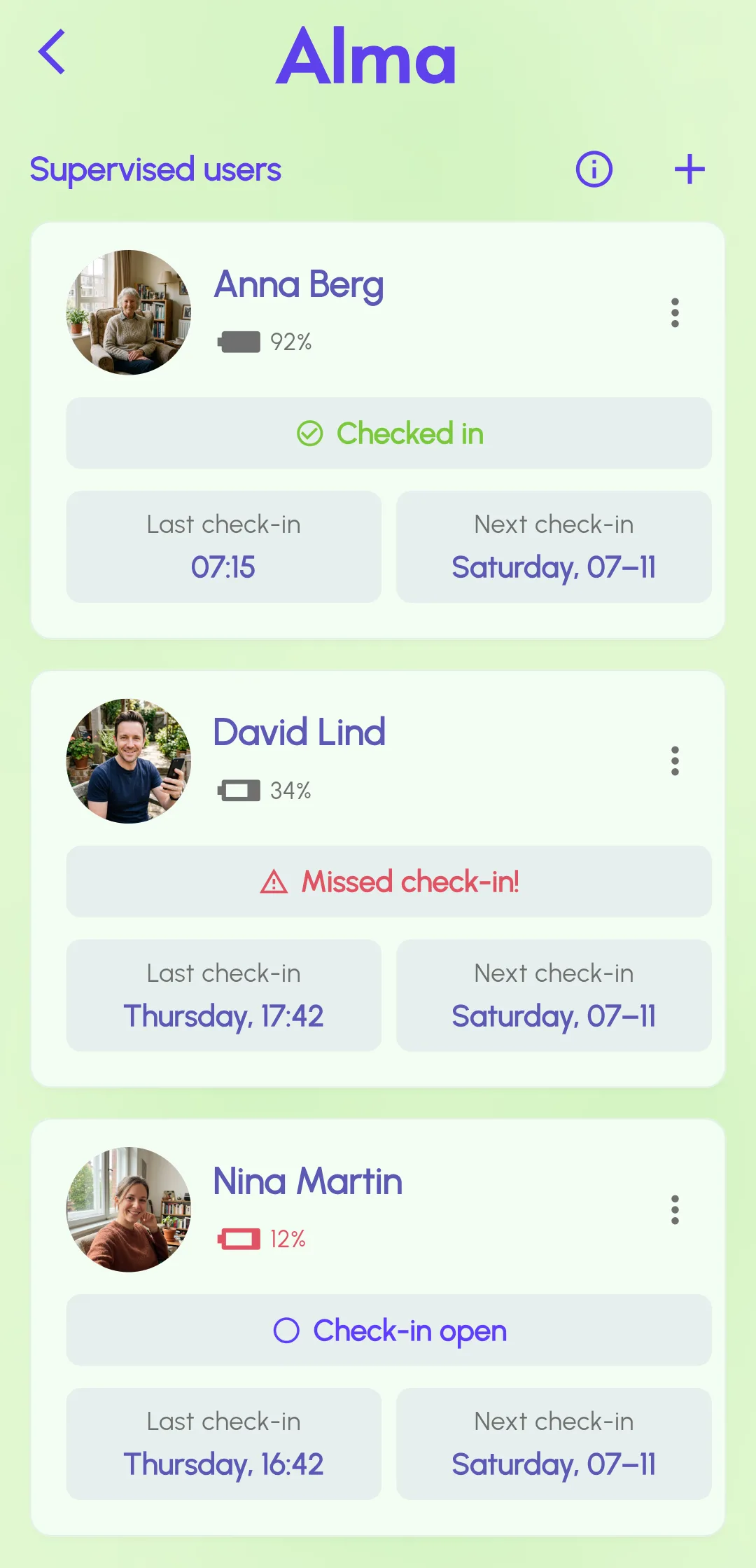
Alma notifies your contacts one after another, every 15 minutes, until someone responds. If nobody responds, everyone is notified a second time.
The safety net works even if your phone is switched off, has run out of battery or has no signal.
Why people trust Alma
-
★★★★★
My mother lives alone and this is such a great way to prompt her to check in daily without having to remember to text or call every day. The app is easy to understand and has a clean design.
-
★★★★★
I felt much more safe after I started using Alma check-in. My family also has it. Everyone can relax better now when knowing others are safe!
-
★★★★★
Die App ist gut durchdacht und hilft uns sehr im Alltag. Meine Oma checkt regelmäßig ein. So wissen wir, dass es ihr gut geht, auch wenn wir es an einem Tag mal nicht schaffen, bei ihr anzurufen.
-
★★★★★
Mein Vater lebt alleine und endlich gibt es ein Tool, mit dem ich unkompliziert in Kontakt mit ihm stehen kann und das mich im Notfall kontaktiert.
Reviews are shown in their original language.

Who is behind Alma
Bastian Matzen built Alma for his mother, who lives alone and far away. He wanted to be sure that someone would find out if something happened to her, even if she could no longer call for help herself.
Bastian Matzen, maker of Alma
Press and media →- Personal support, no chatbot
- No ads. No ad trackers.
- Encrypted & GDPR compliant
- Data stored safely in Germany
- Available in 24 languages
Pricing
For you
Alma Safety Net
Subscription
Everything in the free version, plus:
- You check in up to three times a day, on the days of the week you choose.
- Up to 5 emergency contacts get a message via the app, WhatsApp, Telegram or email.
- If you want, they also get your location and emergency info.
- A family member can set up the app for you.
Try 14 days for free · Cancel anytime
For your contacts
As Emergency Contact
Free forever
For family and friends you add as emergency contacts.
- You can see at any time whether your family and friends have checked in.
- You get a message if someone doesn't check in.
- Every day, you can share a moment from your day with each other.
What you pay for: Alma has to work at all times, including nights and weekends. That's why we monitor our servers around the clock and maintain and improve the app every day. The servers cost money, and so does every WhatsApp notification. There are no ads and we don't sell your data. Your subscription pays for all of this, and for a real person answering when you have a question. It also lets us give Alma for free to people who can't afford it and to people in crisis regions.
Prices are adjusted to each country. Alma is free in Ukraine. If you can't afford Alma, write to us using the contact form and you'll get it for free.
Questions? Answers.
Everything you need to know about how Alma works.
What happens if I miss a check-in?
Alma then notifies your emergency contacts one after another, 15 minutes apart, until someone takes care of it. If nobody responds, everyone is notified a second time. Contacts who use Alma get the alert in the app, even when Do Not Disturb is on if they allow it. Everyone else gets it via WhatsApp, Telegram or email. They see your emergency information, which includes health details and practical notes such as where the spare key is. If you've turned on location sharing, they also see your last known location.
Do my emergency contacts also get practical information, like where the spare key is?
Yes. Under Emergency Information you can add health details such as medication, allergies, conditions and blood type, and also practical notes: where a spare key is, which pets need care, or the phone number of your doctor's practice. Your emergency contacts receive both, together with your address if you've added it, but only if you miss a check-in. If they use Alma, they see everything directly in the alert in the app. If they don't, they get a secure link via WhatsApp, Telegram or email where they can see it all.
How do I check in?
You choose when you check in, up to three times a day and separately for each day of the week: in the morning (7 to 11 am), at midday (12 to 4 pm) and in the evening (5 to 9 pm). Each time, you confirm once in the app that you're okay. You can also do this right from the reminder or from the widget on your home screen.
What if I forget to check in?
Alma reminds you when your check-in time begins, in between and shortly before it ends. If you check in after it has ended, no further emergency contacts are notified from then on, and your Safety Net carries on as usual.
Do my emergency contacts need the app?
No. Emergency contacts can get alerts via WhatsApp, Telegram or email without installing anything. They only need to accept your invitation once. With the free app, they can also see at any time whether you've checked in, and you can share moments from your day with each other.
What if my phone is off or has no signal?
Alma still notices that you haven't checked in. Missed check-ins are detected on Alma's servers, not on your phone. So even if your phone is off, out of battery or without signal, your emergency contacts are still notified.
Can I set up Alma for a parent or grandparent?
Yes. Your family member installs Alma and invites you as an emergency contact. Once you accept, you can set up their check-in times, emergency contacts and emergency information from your own phone. After that, they only need to check in briefly at the times you chose.
Can Alma check on an elderly parent every day?
Yes. You can set up Alma for a parent or grandparent in a few minutes and choose when they should check in, one to three times a day. If they miss it, you are notified. It is a calm way to know they are safe each day without phoning every morning or making them feel watched.
Does Alma track my location all the time?
No. Alma does not use continuous tracking. If you enable location sharing in Safety Net, only your last known location is stored and shared with your contacts if you miss a check-in.
Is my data safe?
Yes. Your data is encrypted and stored on servers in Frankfurt am Main, and handled in line with the GDPR. Your emergency contacts only receive your emergency information during an alert. Alma does not show ads and does not sell your data. The privacy policy lists which service providers are involved.
Can I pause Alma, for example on holiday?
Yes. Holiday mode pauses your check-ins, either for a period you choose or until you turn it off. If you set a period, your check-ins start again on their own afterwards.
How much does Alma cost?
Alma is free for emergency contacts. Safety Net, which you use to check in yourself, is a monthly or yearly subscription. Prices are adjusted to each country, and the app shows the price for yours. You can try Safety Net free for 14 days. Alma is free in Ukraine, and anyone who can't afford it can ask us for free access.
How do I cancel?
You can cancel your Safety Net subscription anytime through the App Store or Google Play. If you cancel during the 14-day free trial, you pay nothing. Once it ends, Alma no longer watches your check-ins and your emergency contacts no longer get alerts. They receive a note about this. You can keep using Alma for free as an emergency contact for others. If you received Safety Net as a gift or paid once, it ends on its own and there is nothing to cancel.
Can I use Alma as a safety app for walking alone?
Yes. Alma comes with you when you're out on your own or travelling alone. You check in at your usual times, and when you travel, Alma switches them to local time as soon as you open the app there. If you don't check in, your emergency contacts are notified and see your last known location if you've turned on location sharing.
Does Alma work offline for solo hiking?
Yes, Alma also works for hikes you do alone. Missed check-ins are detected on Alma's servers, not on your phone, so a missed check-in is noticed even without signal on the trail, and your contacts see your last known location if you've turned on location sharing. If you check in without signal, Alma saves your check-in and sends it as soon as you have signal again. If it only arrives after your check-in time has ended, your contacts will already have been notified. So choose check-in times when you expect to have signal.
Can I use Alma if I work alone?
Yes, for example if you work from home or on your own at a workplace. You choose on which days of the week and at which times of day you check in, for example in the morning before work and in the evening after. If you don't check in, the contacts you chose are notified, with your last known location if you've turned on location sharing.
At Alma, a person answers you, not a chatbot. Usually the same day. Contact
Available on iOS and Android
Scan with your phone to get Alma