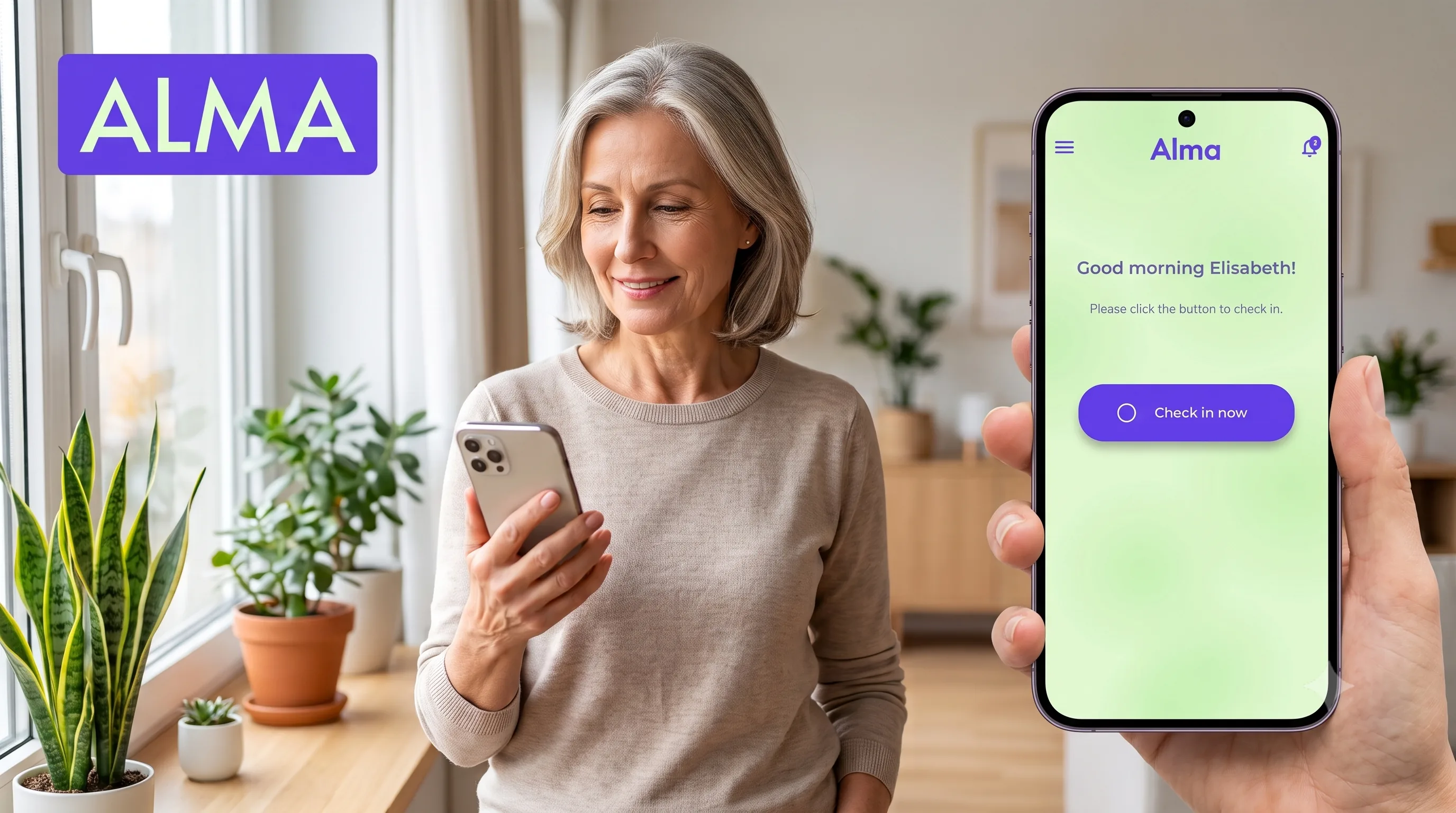
The classic personal alarm has looked the same for decades: a small button worn round the neck or on the wrist, a base unit next to the phone, a monthly bill. For a lot of people, that’s a solid setup. But it’s worth asking more often these days: do you still need the device at all, or is the phone in your pocket already doing the important part?
This guide compares the three options on the table today, the classic personal alarm, the simple emergency app, and the safety app with automatic check-in. No scare tactics, just a clear look at what each one does and where it stops.
Emergency app, medical alert, personal alarm: what actually differs
These labels get used loosely and often mean the same thing in practice. What matters isn’t the name on the app, it’s how it behaves when something goes wrong, and there’s really just one distinction that counts:
- Manual alert. Most safety apps work like a button on your phone: you trigger the alarm yourself, and it sends your location and a message to your contacts. Handy on the move, but you have to be conscious and able to act.
- Automatic check-in. This flips it around. You confirm you’re okay at set times, and if the confirmation doesn’t come, the app raises the alarm on its own, even when you can’t do anything.
For people living alone, the second one is the whole point, because the dangerous moments are exactly the ones where pressing a button is no longer possible. A classic personal alarm belongs to the first group: you still have to be able to press it.
What a personal alarm does well, and where it stops
A personal alarm connects you to a call centre at the push of a button. That’s genuinely useful, but it has three well-known limits.
- It mostly works at home. The base unit only has so much range. In the garden, out shopping, or on the move, you’re often not covered.
- You have to be able to press the button. Just like an SOS button, this only works if you’re conscious and able to act. In a collapse, a stroke, or heatstroke, that’s exactly the moment it fails you.
- It costs money every month. Device rental plus a monthly fee adds up over the years, and there’s often a fixed-term contract on top.
For people with severe mobility issues, dementia, or no smartphone, a personal alarm is still often the right choice. But for many people living alone who already carry a phone, an app covers the essentials for less money and more flexibility.
The comparison at a glance
| Personal alarm (device) | Classic SOS app | Check-in app (e.g. Alma) | |
|---|---|---|---|
| Works away from home | Barely, mainly at home | Yes | Yes |
| Helps when you can’t press a button | No | No | Yes, automatic alert on a missed check-in |
| Extra hardware needed | Yes, base unit and pendant | No | No |
| Ongoing cost | Device rental plus monthly fee | Varies | Low subscription, free trial, free for contacts |
| Alerts even if the phone is off or dead | n/a | Often no, runs only on the device | Yes, thanks to cloud monitoring |
| Privacy and data location | Varies | Varies | GDPR, servers in Germany, no ads |
What a good emergency app actually needs to do
Not every “emergency app” is built the same. To genuinely replace a personal alarm day to day, it needs to do more than just place a call.
- A passive safety net. This is the one thing a button can’t do: raise the alarm automatically when you stop checking in. You confirm you’re okay at set times, and if you don’t, your contacts get notified.
- Cloud-based monitoring. The alert has to fire even if your phone is dead, switched off, or has no signal. If the monitoring only runs on the device itself, it fails at the exact moment it matters most.
- Multiple emergency contacts and an alert chain. If the first contact doesn’t respond, the alert automatically moves to the next one.
- Location in an emergency, without constant tracking the rest of the time.
- Real privacy. A service watching over your wellbeing shouldn’t be running ads or selling your data.
If you want the detail on how that automatic alerting works under the hood, it’s covered in our guide to automated safety check-in apps.
Where Alma fits in
Alma turns your phone into exactly that kind of safety net, with no extra hardware needed. The core feature is Safety Net: a personal check-in schedule with up to three windows a day and up to five emergency contacts. If you don’t check in, Alma automatically notifies your contacts, can share your last known location, and escalates through the chain if the first contact doesn’t respond. Because the monitoring runs in the cloud, the alert still works even if your phone is switched off.
No device, no installation, no base station. Alma doesn’t show ads, doesn’t sell data, is GDPR-compliant, and runs its servers in Germany. Safety Net comes with a free 14-day trial, so you can try it properly before committing to anything.
And if you’re the one looking out for someone else, a parent living alone or a neighbour, you can sign up for free as an emergency contact and get notified automatically the moment a check-in is missed. For how to raise that gently with an older relative, see our piece on checking on elderly parents without being intrusive.
When switching makes sense, and when it doesn’t
An emergency app is the right call if you already use a smartphone, get around on your own, and mainly want to cover the scenario where you can’t check in yourself anymore. It’s cheaper, it works away from home too, and it takes minutes to set up.
A classic personal alarm still makes sense if you don’t use a smartphone, if dementia is more advanced, or if you specifically want a direct line to a staffed call centre. The two aren’t mutually exclusive, and plenty of people use the app as a light, mobile addition to what they already have.
Common questions
Is there a free personal safety or check-in app?
Partly. With Alma, being someone’s emergency contact is free forever, so if you just want to be reachable for a parent or friend, you pay nothing. For your own check-in schedule there’s a free 14-day trial, then a low subscription, and the app is free for people in lower-income regions and in crisis zones. A wider point worth keeping in mind: with any app that watches over your wellbeing, look at how it makes money. Free plus ads plus data-selling is a poor trade for data this sensitive.
What’s the best personal safety app for an elderly parent?
Look for large buttons, readable text, and the ability for a family member to set the app up remotely. Alma offers exactly that, so the older person only has to confirm once a day while the family sets up the rest from their own phone.
Does an emergency app replace a personal alarm or medical alert?
For the core job, making sure someone finds out in time that help is needed, yes, and with automatic check-ins it even covers situations a button can’t. What an app doesn’t replace is a direct line to a staffed call centre, or use by someone without a smartphone. For many people living alone the app is enough; some combine both.
Does a safety app work if your phone is off or has no signal?
Only if the monitoring runs in the cloud rather than on the device itself. With Alma it does: the alert fires from the server when your check-in is missed, whether or not your phone is dead, switched off, or out of signal. Apps that detect a missed check-in only locally on the phone fail in exactly that moment.
One important thing to close on: an app doesn’t replace emergency services in a real crisis. If life is at risk, always call your local emergency number (112, 911, 999) first. Alma isn’t a medical device. It does the one thing technology can genuinely help with here: making sure someone finds out in time that help is needed, even when you can’t call for it yourself.
Living alone and looking for a quiet safety net without extra hardware? Download Alma for iOS or Android and start the free 14-day trial of Safety Net, set a check-in window, add an emergency contact, done.