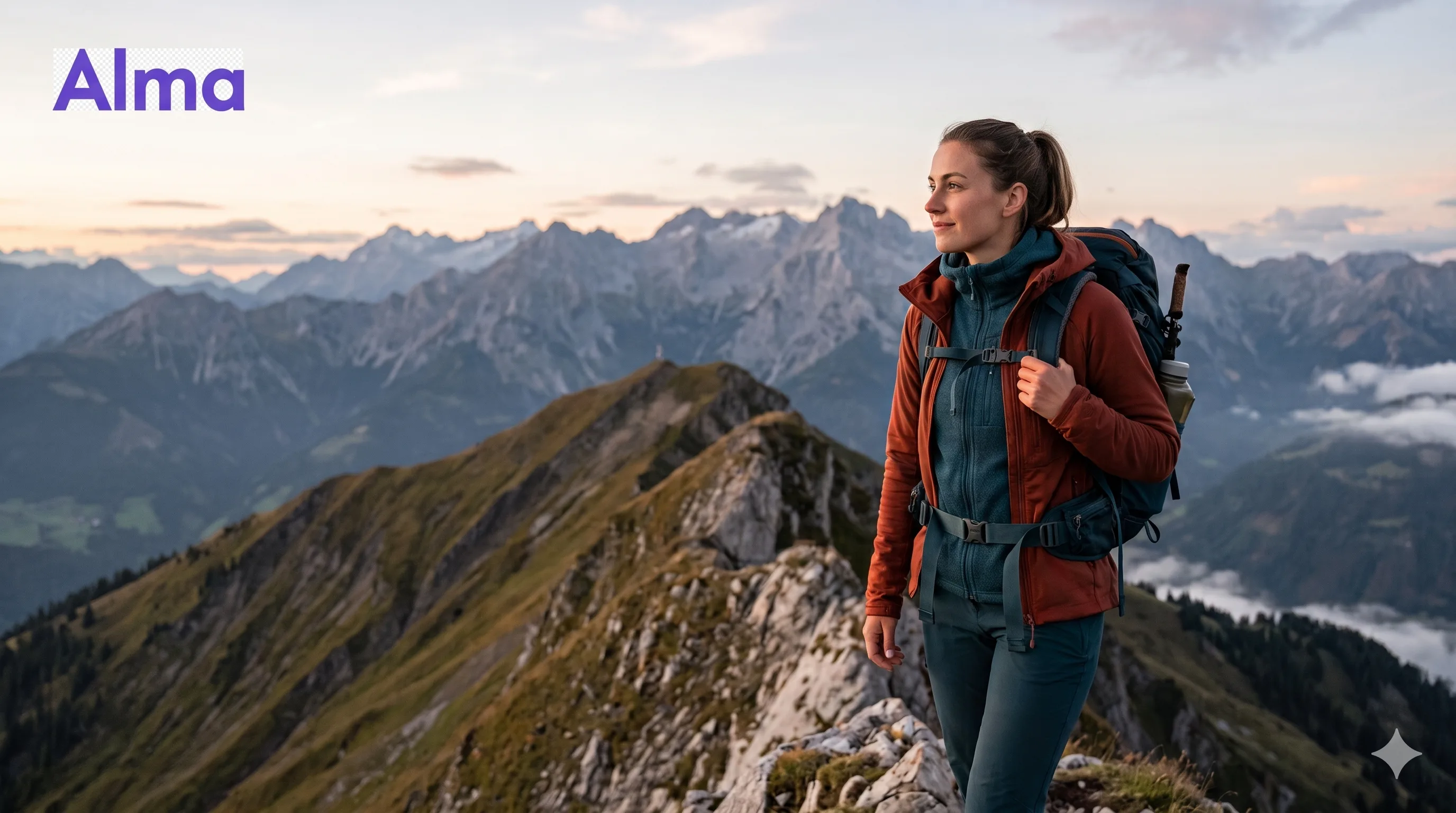
Solo hiking is one of the most rewarding things you can do, and one of the most quietly risky. Most rescues that happen in European mountains every year aren’t because the hiker did something reckless — they’re because something small went wrong (a twisted ankle, a sudden weather change, a missed turn) somewhere with no signal, and nobody knew where to look.
The good news: a thoughtful app stack on your phone covers most of the real-world failure modes for under €100 a year, and some of it for free. Here’s what actually earns its place in your pack.
The non-negotiable rule
Before anything technical: tell someone where you’re going and when you’ll be back. A specific route, a specific return time, and a specific instruction about what they should do (and when) if they haven’t heard from you. This is the layer no app can replace, and it’s the layer that almost every solo-hiking rescue depends on.
Apps make that conversation easier and more reliable. They don’t replace it.
With that out of the way, here are the four categories of tools worth carrying.
Quick comparison: the solo hiker’s safety stack
| Tool category | Best options | Cost | Works with no signal? | What it solves |
|---|---|---|---|---|
| Offline maps | Komoot, OsmAnd, Outdooractive, Gaia GPS | Free–€60/yr | Yes (download first) | Knowing where you are and how to get back |
| Satellite SOS | iPhone 14+ / recent Android (built in); Garmin inReach Mini 2, ZOLEO | Free–€350 + sub | Yes | Calling for help when there’s no cell signal |
| Automatic check-in | Alma, manual “text when back” | Free–a few €/mo | Yes (cloud-based) | Raising the alarm when you can’t press a button |
| Mountain weather | MeteoBlue, Mountain-Forecast, Windy | Free | No (check before you go) | Avoiding the conditions that cause rescues |
Most hikers carry the first two and skip the third — which is the one gap that turns a twisted ankle into an overnight emergency. More on that below.
1. Offline maps (free, essential)
The single most important app on a solo hiker’s phone. You need a map that works without signal, with terrain detail, and the ability to download large areas in advance.
What to look for:
- True offline use (download regions before you leave home Wi-Fi).
- Topographic and contour data, not just road maps.
- The ability to import GPX route files.
- Recording your own track as you walk so you can retrace it if needed.
The serious options:
- Komoot — strong route planning and well-curated trails across Europe.
- Outdooractive — excellent topo maps for the Alps.
- OsmAnd — open-source, OpenStreetMap-based, very capable, slightly steeper learning curve.
- Gaia GPS — popular among more technical hikers and backcountry users.
Whichever you choose, download the area before you leave the trailhead. A map that needs signal to load is a map that fails when you need it most.
2. Satellite messaging or SOS (worth it for serious solo trips)
Once you’re past day-hike distances, your phone’s cellular signal becomes unreliable enough that a satellite-capable safety device starts to make sense. There are two paths:
Built-in satellite SOS. Newer iPhones (14 and later) and several recent Android flagships include emergency SOS via satellite. It’s free, works without any subscription, and can connect you to emergency services from anywhere with a clear sky. It’s an excellent baseline if you carry one of these phones.
Dedicated satellite messengers. For multi-day hikes, remote areas, or peace of mind, a dedicated device is the gold standard:
- Garmin inReach Mini 2 — two-way satellite messaging, SOS, weather forecasts, location sharing. Roughly €350 + subscription.
- ZOLEO — competitive alternative, often slightly cheaper to run.
These devices are about 100g, fit in a pocket, and let you send “I’m okay” or “I need help” from literally anywhere. If you regularly hike solo in remote terrain, one is hard to beat.
3. Automatic check-in apps (the layer most hikers miss)
Here’s a scenario nobody plans for: you fall, you can’t reach your phone, and you’re conscious but unable to press an SOS button. Your satellite messenger is in the lid of the pack 10 metres away. You told your partner you’d be back at 6 PM. They start worrying at 8 PM, call mountain rescue at 10 PM, and rescue can’t begin until first light.
That’s 12 hours of cold, exposure, and reduced odds — entirely because the alarm depended on someone noticing your absence and then deciding when to act.
A check-in app fixes this specific failure mode. You set a check-in time before you start (say, 7 PM, after you expect to be back at the car). If you don’t tap the button by then, your nominated contacts are automatically alerted — with your last known location, your planned route, and instructions to call mountain rescue.
The big advantages over “I’ll text you when I’m back”:
- The alarm fires automatically, even if the person you’d usually text falls asleep or doesn’t notice.
- It can route the alert to multiple people at once (or in sequence), so it doesn’t depend on one person being available.
- Your last known GPS position goes with the alert, so rescuers don’t start from “somewhere on the GR20.”
Alma is built for this. You can set custom check-in windows for the day of a hike, and if you miss a window, your emergency contacts get notified by app, email, WhatsApp, or Telegram — whatever channel they actually check. The Safety Net tier supports up to five contacts and an alarm chain that escalates if the first contact doesn’t respond. Importantly, the monitoring runs in the cloud, so the alarm still fires even if your phone is dead or out of signal at the planned check-in time.
4. Weather (specific, not generic)
Generic weather apps are often wrong by a thousand metres of elevation. For hiking, install something built for mountain conditions:
- Mountain-Forecast.com (web, mountain-specific)
- MeteoBlue (excellent multi-altitude forecasts)
- Windy (for wind, gusts, and storms)
Check the forecast the morning of your hike, not the night before. Mountain weather can shift dramatically inside 12 hours.
A realistic stack for the solo hiker
If you do mostly day hikes within cell range:
- Offline map app (Komoot / OsmAnd / Outdooractive)
- A check-in app like Alma with one or two emergency contacts and a “back by X” check-in
- Phone’s built-in Emergency SOS (and Medical ID filled out)
- Mountain-specific weather app
- A friend who knows your route and return time
If you do multi-day or remote solo hikes, add:
- Satellite messenger (Garmin inReach Mini 2 or similar)
- A printed copy of your route, left with someone at home
- A power bank with at least 10 000 mAh
What not to rely on
- Generic location sharing apps. They’re for “where’s my husband at the supermarket,” not for backcountry safety.
- WhatsApp last-seen status. Plenty of solo-hiker accidents involve people who showed online for hours — because their phone was face-down in a bush displaying notifications.
- A single phone as a single point of failure. Phones break, get wet, run out of battery. A second device (satellite messenger, even an old smartphone) is meaningful redundancy.
- Strava or social fitness apps. Useful for sharing the hike afterwards. Not useful as a safety system — they don’t alert anyone if you stop moving.
The principle behind it all
A good solo-hiker safety system has three layers:
- A way to call for help when you can. (Phone signal, satellite SOS.)
- A way for help to come even when you can’t call. (Check-in app + trusted contact.)
- A way for the people who care about you to know where to look. (Shared route, last known location.)
If your stack covers all three, you’ve done the work. If it only covers the first one — which is true for most solo hikers — you have a gap that costs nothing to close.
Heading out solo? Download Alma for iOS or Android, set a check-in for your expected return time, and add one or two trusted contacts. It’s the simplest layer of safety to add, and the one most hikers don’t have.